Triple Exposure Cinematic Portrait AI Prompt 2026

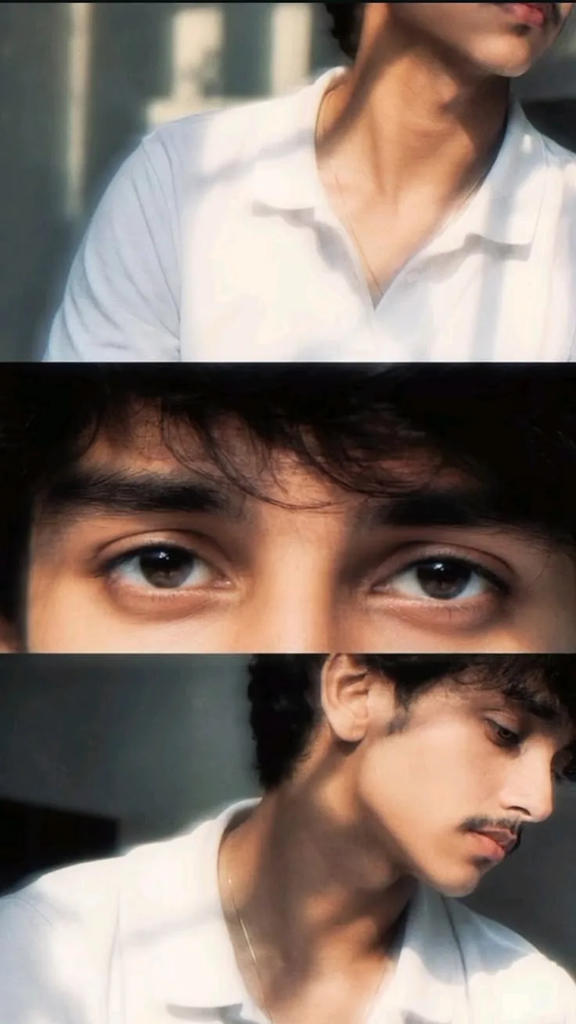
A triple exposure cinematic portrait of a young Indian man with dappled sunlight creates a creative and artistic photography effect. It combines three overlapping versions of the same subject with soft sunlight passing through leaves, creating depth and a dreamy visual style.
This look works well for Instagram portraits, profile photos, creative edits, and AI-generated photography. With the right prompt, you can create a realistic image while keeping the triple-exposure effect clean and cinematic. On faymas in you can get trending latest prompts.
What Is a Triple Exposure Portrait?
A triple exposure portrait combines three different exposures or layers into one image. Each layer can show the subject from a slightly different angle, pose, or distance.
The layers are blended together instead of appearing as three separate photos. This creates a modern double or triple-exposure effect while keeping the main face recognizable.
Adding dappled sunlight makes the image more interesting. Light filtering through tree leaves creates small patches of light and shadow across the subject and background.
Triple Exposure Cinematic Portrait AI Prompt
Use this prompt in an AI image generator to create the effect:
Prompt
How to Create This Portrait With AI
Why Dappled Sunlight Looks Good
Dappled sunlight is created when sunlight passes through leaves, branches, or other objects. It produces small areas of brightness and shadow that give a portrait more depth.
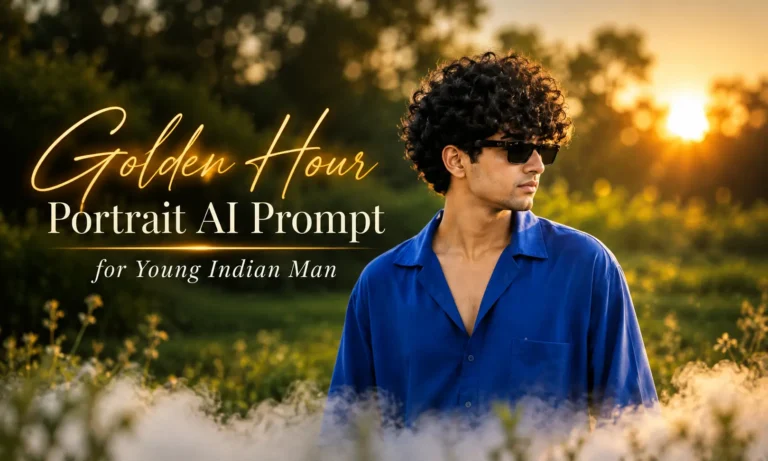
In this style, the light should look natural rather than heavily edited. Soft highlights on the face combined with darker areas around the background can create a cinematic mood. For another portrait style with warm natural lighting, try Golden Hour Portrait AI Prompt for Young Indian Man to create a soft, sunlit portrait.
Tips for a Better Triple Exposure Effect
If you want to try another creative style men’s portrait edit with an aesthetic black and white ink splash for a different artistic look.
Common Problems
Frequently Ask Question’s
Rahul Sharma is an AI prompt creator and content writer at Faymasin. He shares creative AI photo prompts for boys, girls, couples, and cinematic portraits. His goal is to help readers find ready-to-use prompts and create images with AI tools like ChatGPT and Gemini.